Follow the two simple steps to connect your heaters on your phone.
Home
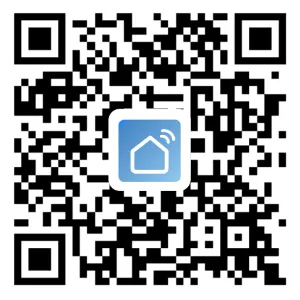
Download App
Scan the QR code on the right to install.
1) Enter the app and fill in user detail.
2) Click: add device —> all devices —> heaters —> confirm connection —> enter WiFi password —> confirm (connected)
3) If the heater fails to connect, press the heater panel button 1 for 3s, reset WiFi and try again.
4) Message us if you need other help.





 Skip to content